


Mùa Halloween là dịp lý tưởng để biến hóa hình ảnh cá nhân theo chủ đề kinh dị. Một cách thú vị để làm điều này là sử dụng các mô hình AI tạo ảnh, chẳng hạn như công cụ tạo ảnh của Gemini. Với khả năng mô phỏng và sáng tạo hình ảnh cực kỳ chân thực, Gemini giúp bạn “đặt” chính mình vào những bối cảnh lấy cảm hứng từ các bộ phim kinh dị nổi tiếng, mang đến trải nghiệm Halloween độc đáo và ấn tượng.
Mục lục
Hướng dẫn tạo ảnh Halloween bằng Nano Banana trên Gemini
Bạn có thể áp dụng các câu lệnh dưới đây trực tiếp với tính năng tạo sinh ảnh của Gemini. Dưới đây là các bước thực hiện:
Bước 1: Truy cập trang web hoặc mở ứng dụng Gemini trên điện thoại.
Bước 2: Tải ảnh gốc và bật mô hình Nano Banana. Hãy nhấn vào biểu tượng dấu “+” để tải lên ảnh của bạn, sau đó chọn công cụ “Tạo hình ảnh” có hình quả chuối.
Bước 3: Dán câu lệnh mẫu vào khung chat.
Bước 4: Nhấn “Gửi” và chờ vài chục giây để Gemini tạo ra bức ảnh mới.
Bước 5: Xem và tinh chỉnh nếu cần. Bạn có thể yêu cầu AI tạo lại hoặc thay đổi vài chi tiết nhỏ để có kết quả ưng ý hơn.
Các câu lệnh tạo ảnh Halloween bằng AI Gemini
Dưới đây là danh sách các prompt (câu lệnh) mẫu giúp bạn hóa thân thành nhân vật trong những bộ phim kinh dị nổi tiếng:
Halloween (1978)
“Transform the person in the original photo into a terrified running from Michael Myers from Halloween (1978) under flickering streetlights in a foggy suburban street at night.”
A Nightmare on Elm Street
“Make the person from the original photo cautiously walking through an abandoned house, while Freddy Krueger from A Nightmare on Elm Street appears behind them in a mirror reflection.”
IT (2017)
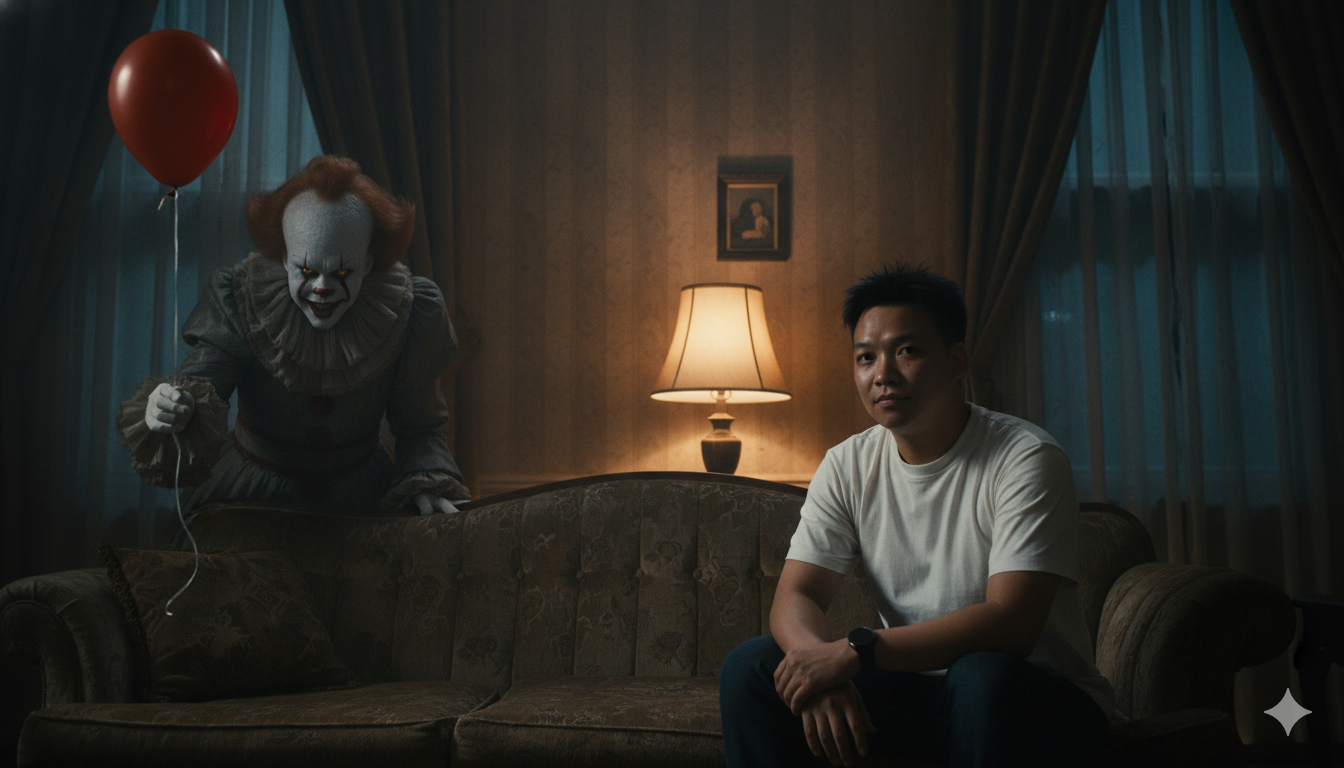
“Turn the person in the image into someone sitting on a couch, with Pennywise the Dancing Clown from IT (2017) peeking out from a dark corner holding a red balloon.”
Friday the 13th
“Turn the person into a camper near a bonfire, as Jason Voorhees from Friday the 13th emerges silently from behind the trees with his machete.”
The Conjuring (Valak)
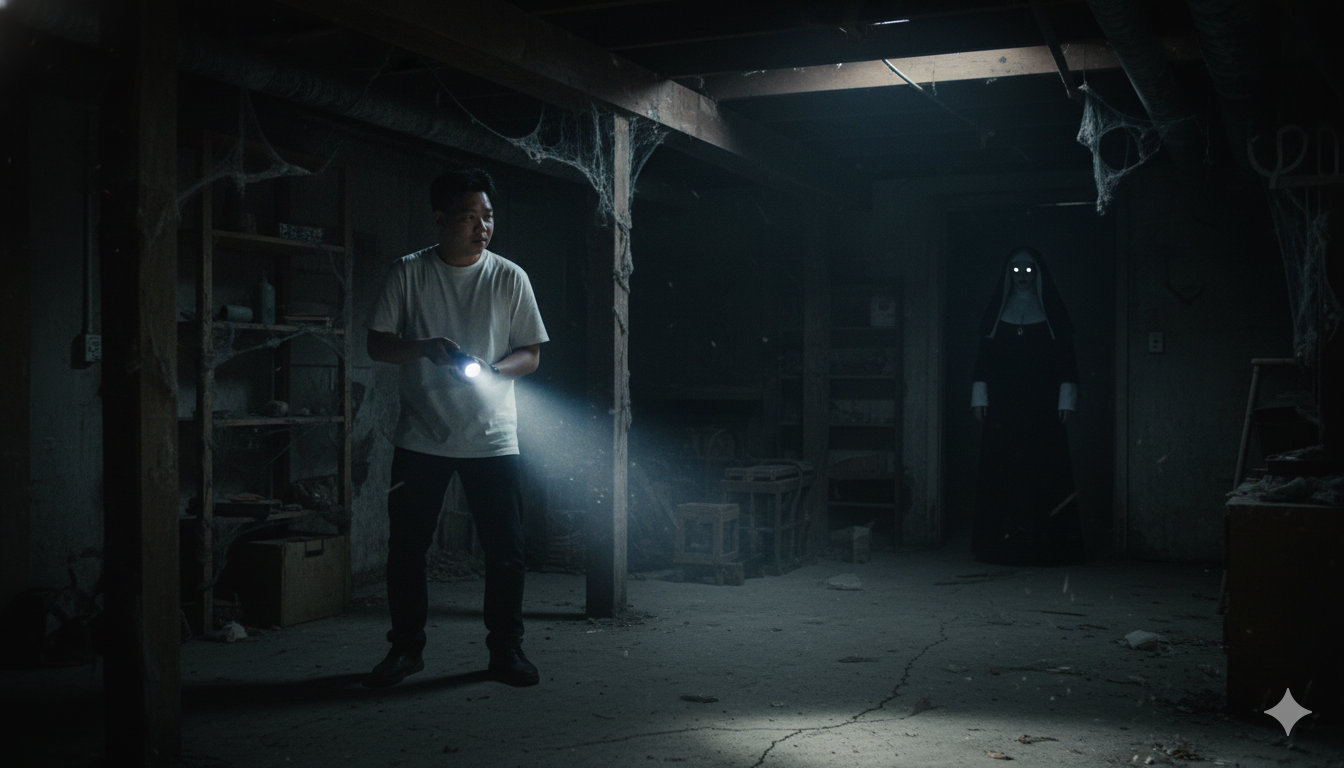
“Show the person in the photo exploring an old basement, with the demonic nun Valak from The Conjuring standing in the shadows, glowing eyes visible.”
Annabelle
“Make the person sitting at a dining table, while Annabelle the doll sits across from them, surrounded by flickering candles and dark mist.”
Slender Man
“Make the person in the original photo standing in a foggy street as The Slender Man looms unnaturally tall behind them, his tentacle-like arms slowly reaching out.”
Trick ‘r Treat
“Transform the person into a child trick-or-treating on Halloween night, while Sam from Trick ‘r Treat walks beside them with a pumpkin lollipop.”
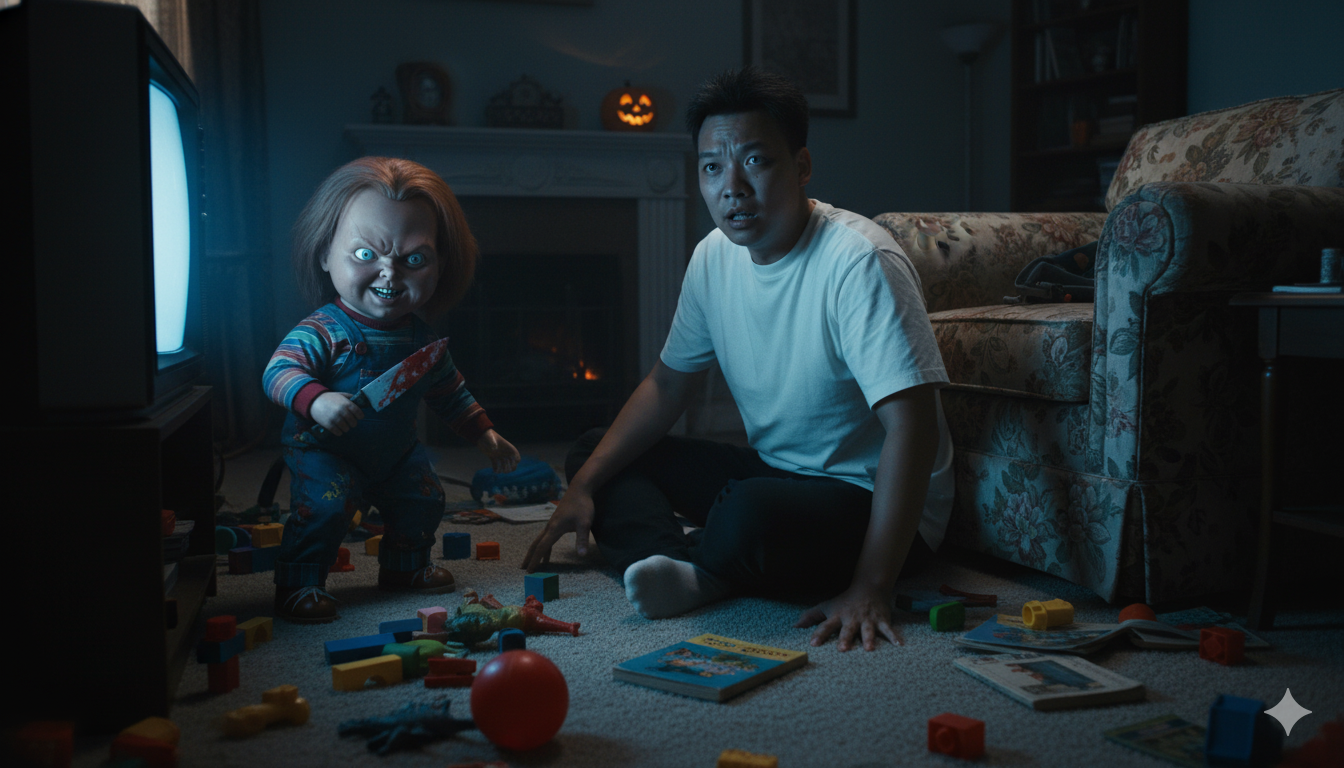
Child’s Play (Chucky)
“Transform the person in the original photo into someone sitting on the floor of a dimly lit living room, surrounded by scattered toys, as Chucky from Child’s Play creeps toward them holding a bloody knife, grinning menacingly.”
Mama
“Transform the photo so the person is walking in the fog, and a pale woman from Mama clings to their back unseen.”
The Grudge (Kayako)
“Turn the person into a detective investigating a haunted asylum, while Kayako from The Grudge crawls across the ceiling above them.”
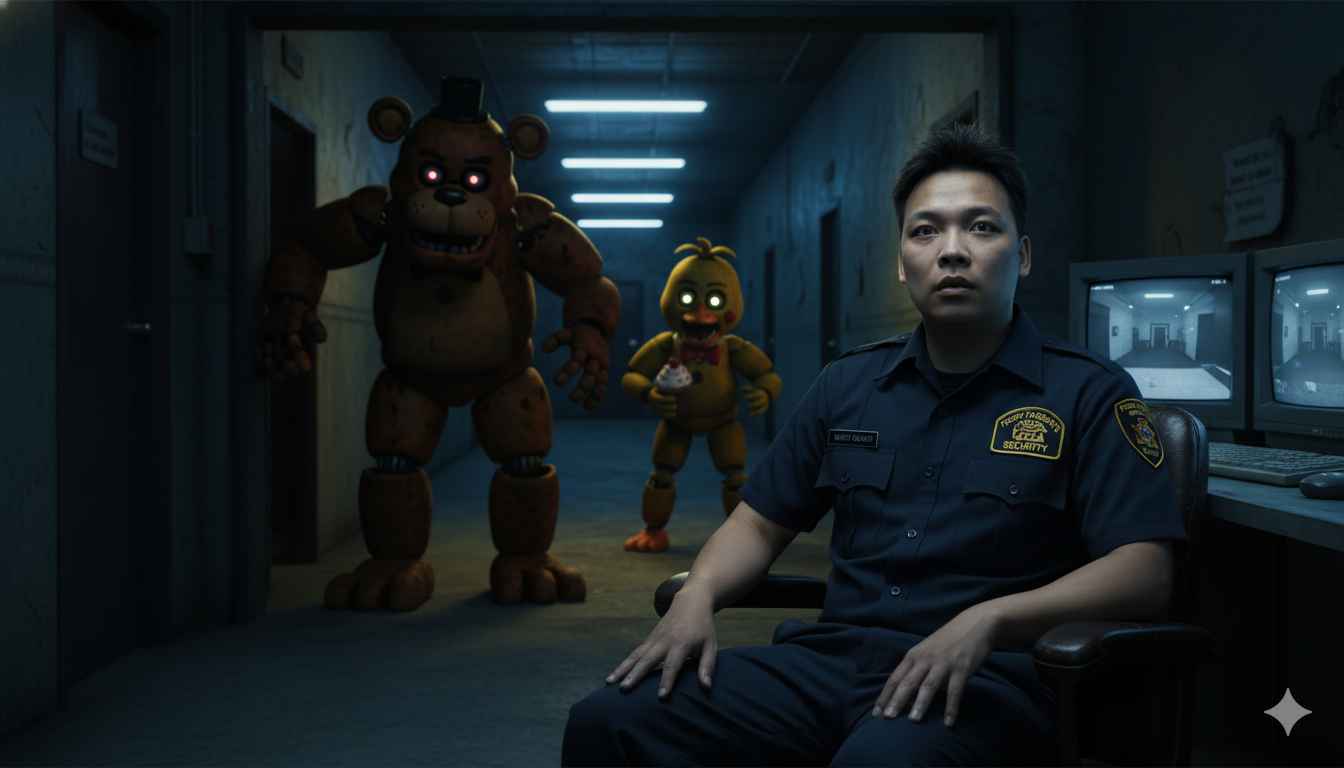
Five Nights at Freddy’s
“Make the person a night security guard in a dim corridor, as animatronic creatures from Five Nights at Freddy’s begin to move behind them.”
Evil Dead
“Transform the subject into someone reading a cursed book, while the Deadites from Evil Dead start emerging from the shadows around them.”
The Crooked Man
“Transform the person in the original photo into someone standing in a dimly lit corridor, staring in fear as The Crooked Man from The Conjuring 2 emerges from the shadows.”
Candyman
“Show the person lighting a candle in a dark bathroom mirror, and Candyman suddenly appears reflected beside them.”
Pan’s Labyrinth
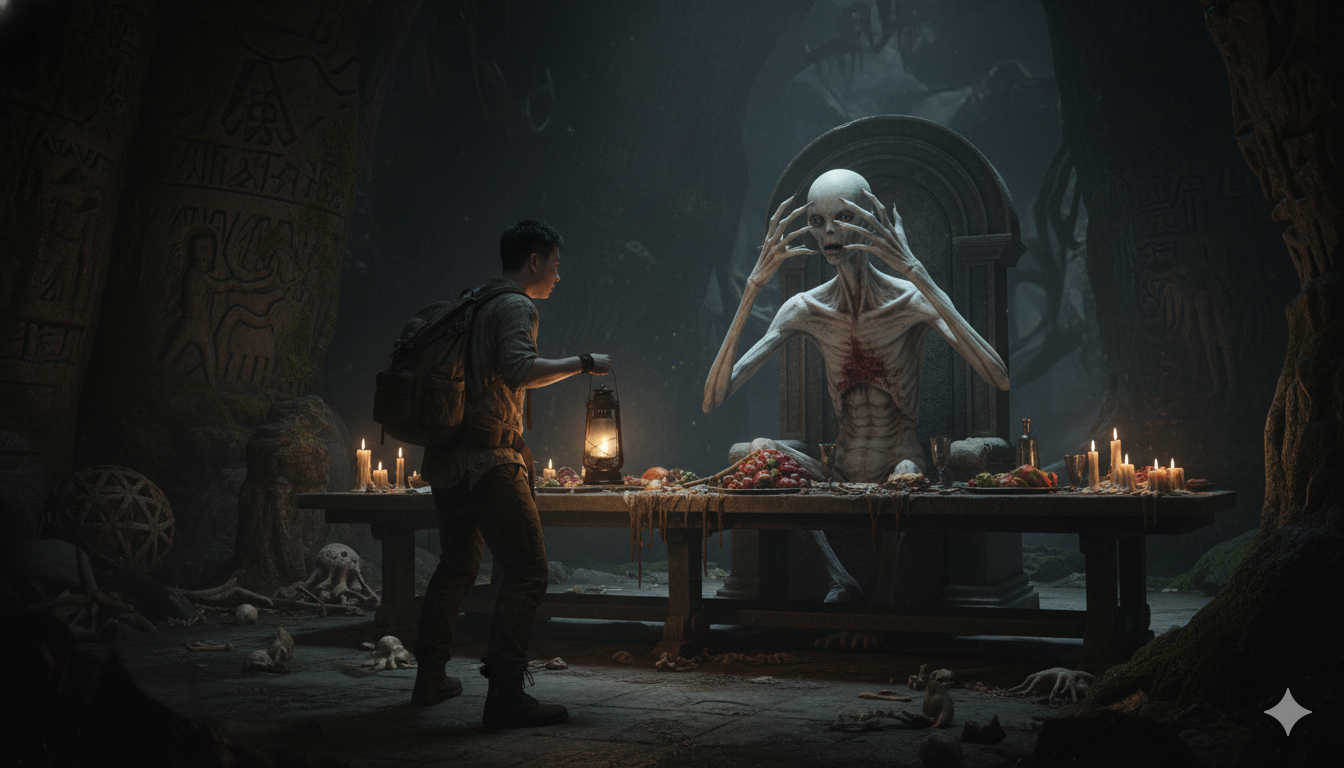
“Transform the original person into a lost traveler, encountering the pale monster with eyes in its hands from Pan’s Labyrinth inside a dim cavern.”
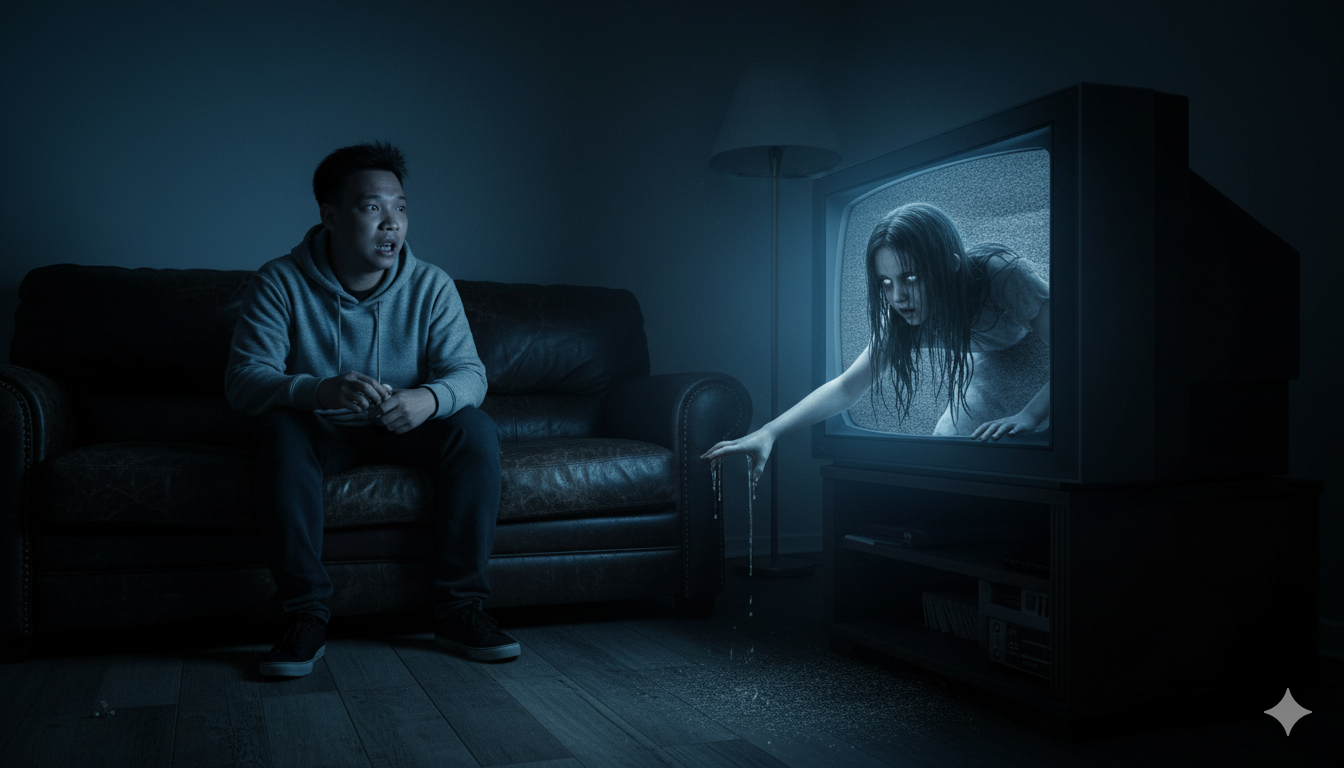
The Ring (Samara)
“Make the person from the image sitting on a couch watching TV, while Samara from The Ring crawls out of the screen toward them.”
Bram Stoker’s Dracula (1992)
“Turn the person into a party guest at a Halloween masquerade, as Dracula from Bram Stoker’s Dracula (1992) leans close, offering a drink of blood.”
Mẹo giúp ảnh đẹp hơn
Để tạo ảnh Halloween đẹp và chân thật, bạn nên dùng ảnh gốc rõ nét, đặc biệt là khuôn mặt. Ngoài ra, vì các câu lệnh chứa tên phim và nhân vật bằng tiếng Anh, bạn nên giữ nguyên thay vì dịch sang tiếng Việt để AI hiểu chính xác ngữ cảnh. Với các nhân vật phức tạp, bạn có thể tải kèm hình ảnh mẫu của họ để tăng độ chính xác.